
Moving on from Skitch?Bring your files.
Snix is a Skitch alternative for the Mac: a native app for capturing and marking up screenshots. It opens Skitch 2.9 images and turns supported markup back into objects you can edit.
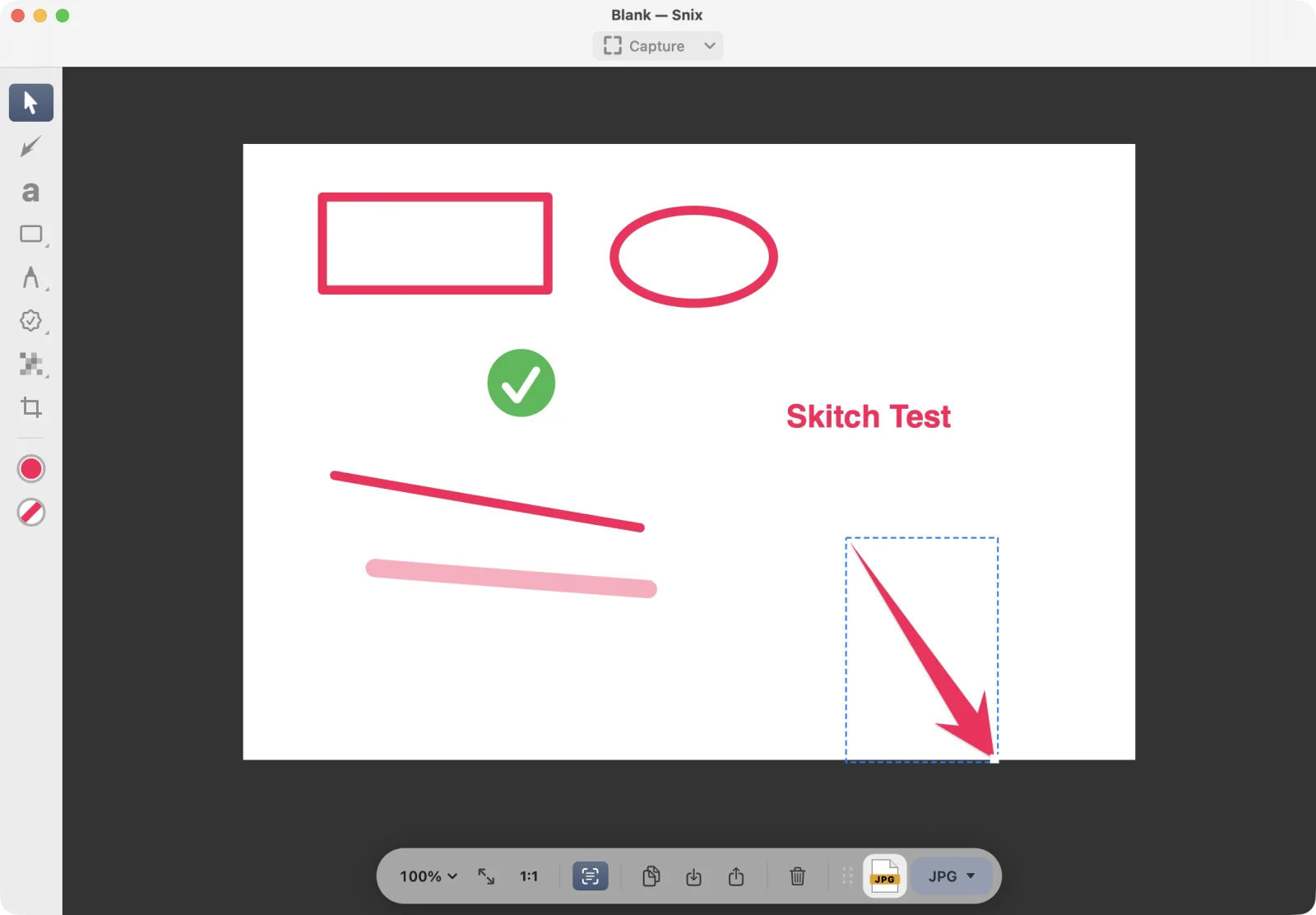

Your Skitch habits, in Snix.
Capture, point something out, drag the result away. Each habit has a place in Snix:
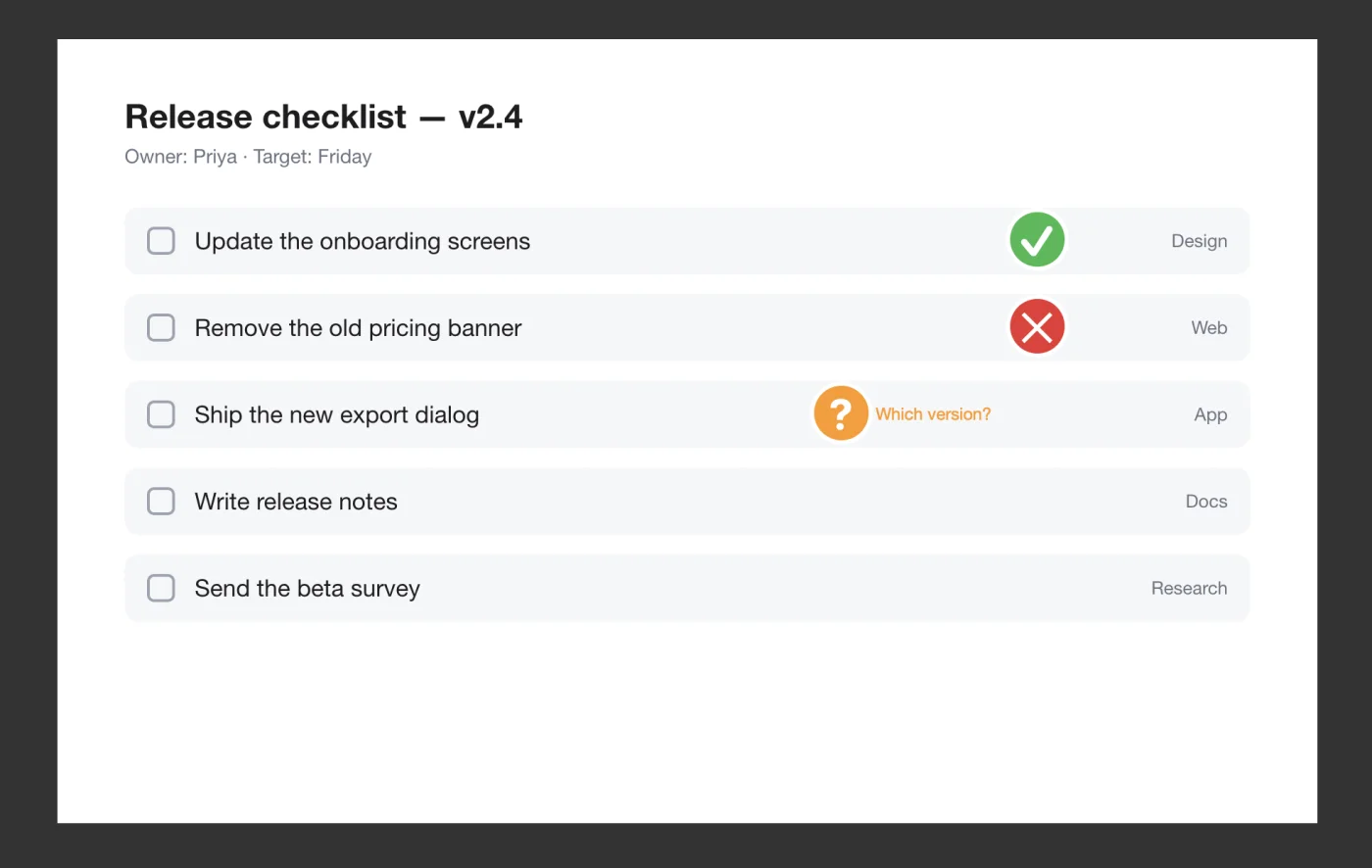
Open your Skitch 2.9 images in Snix.
Skitch 2.9 saved its markup inside the images it wrote. Snix reads the markup it supports, so an old arrow can open as an arrow you can move, not as pixels.
- In Snix, press ⌘O and choose the image, or drag it onto the Snix canvas.
- When the markup can be rebuilt, each arrow, text and shape becomes a Snix object. Move, restyle or delete it.
- Save a .snix project to keep editing later. The Skitch file is never changed.
Good to know
- Only Skitch 2.9 images are supported. Older formats, including
.skitchfiles, don’t open. - Snix reads Skitch files but never writes them.
- If some markup can’t be rebuilt, the whole image opens flat, exactly as Skitch drew it, and Snix tells you. It never imports half and drops the rest.
- Stamps and speech-bubble text use Snix’s own styles, so they look a little different.
- Pixelation Skitch already baked into the picture stays part of the background. It doesn’t become an editable cover.
More you can do in Snix.
- Copy text from images and PDFsSelect and copy the words in a screenshot, photo or PDF. Recognition runs on your Mac.
- Projects that stay editableA .snix project keeps every annotation editable. Snix backs up unsaved work every 15 seconds and offers to restore it after a crash.
- A list of every markupSee each annotation page by page, and export a PDF that opens with a linked summary.
- Every Retina pixelCaptures keep full Retina resolution and export sharp in other apps.
- The keys you already pressSet up ⇧⌘3, ⇧⌘4 and ⇧⌘5 to capture in Snix, and switch back to the macOS tool whenever you like.
- Made for today’s MacsA universal app, native on Apple silicon and Intel, in English, Simplified Chinese and Korean.
Questions from Skitch users.
- Is Snix made by Evernote?
- No. Snix is an independent app made by Bit Keeper Technology Ltd. It isn’t affiliated with Evernote or Skitch.
- Does Snix need an account or sync with Evernote?
- No. There is no account and no sync. Snix works on your Mac, and your images stay there until you drag, export or share them.
- Can Snix open .skitch files?
- No. Snix opens images saved by Skitch 2.9 that carry Skitch markup inside. Older formats, including .skitch files, aren’t supported.
- Will opening a Skitch file change it?
- No. Snix never writes Skitch files. Save your edits as a .snix project, or export a new image.
- Which Macs does Snix run on?
- Any Mac with macOS 15 or later, natively on Apple silicon and Intel.
Keep marking up, in Snix.
Get Snix, open an old Skitch image, and carry on.
Get Snix on the Mac App StoreSkitch and Evernote are trademarks of their respective owners. Snix is not affiliated with or endorsed by Evernote or Skitch.